
Sound Layering Made Simple
At the heart of Melody Mix Playground is a straightforward concept: each character you place on stage adds a distinct audio element. Some provide steady percussion, others carry a melodic line, and a few introduce atmospheric effects. By combining multiple characters, you create a rich, evolving composition. The system responds instantly, letting you hear how each addition changes the overall sound.
Visual Feedback and Interaction
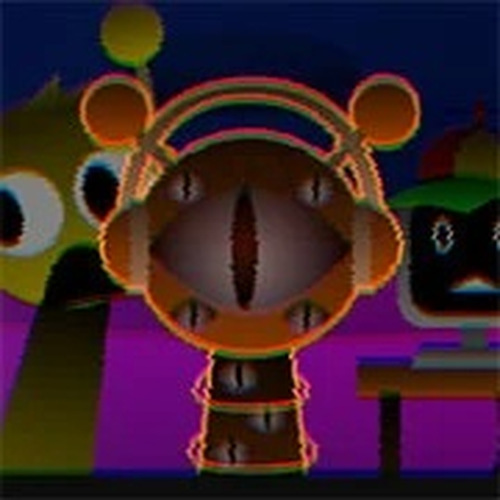
Each character has a unique animated sprite that moves in time with its sound. This visual cue helps you understand which part of the mix is active at any moment. Dragging a character onto the stage triggers its audio loop immediately, and removing it silences that layer. The interface is designed to be intuitive, so you can focus on the music rather than navigating menus.
Accessibility Across Devices
The game works on both desktop computers and mobile devices. Controls are optimized for touchscreens, allowing you to drag characters with a finger on tablets or phones. The layout adjusts to different screen sizes without losing functionality. This means you can create music during a short break or while relaxing at home, using whatever device is nearby.
Encouraging Creative Exploration
There are no wrong combinations in Melody Mix Playground. The design encourages trial and error. You might start with a simple beat and then add a bass line, followed by a melodic hook. If a layer doesn't fit, you can swap it out or adjust the arrangement. This open-ended approach makes the experience feel more like play than work, which is ideal for unwinding or sparking new musical ideas.
Comments
0 comments