
Core Design Philosophy
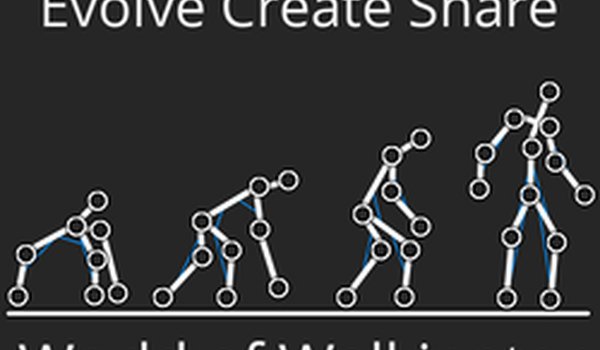
This sandbox centers on building walking creatures from the ground up using a detailed editor. The physics engine simulates gravity and balance, so each creature's body shape and tendon placement directly affect how it moves. Players start with simple forms and gradually refine their designs across multiple generations. The emphasis is on experimentation: seeing what works, what fails, and how small adjustments change locomotion. There is no fixed goal, allowing each user to define their own creative objectives.
Editor Tools and Mechanics
The creature editor provides a selection tool and tendon placement options, enabling precise control over body structure. Undo and redo functions let users try bold configurations without worry. The camera can be panned and zoomed, and a reset view option helps keep orientation clear. Fullscreen mode supports larger builds, making it easier to work on complex creatures. The interface is designed for quick switching between editing, evolution simulation, and result viewing, so users can multitask efficiently.
Evolution Simulation Process
After designing a creature, players move to the evolver, which runs simulations over many generations. The algorithm adjusts traits based on performance, showing how the creature adapts over time. Results are displayed in a viewer that highlights the best evolved version. This process reveals which design choices lead to improved stability and movement. Users can run the evolver while editing a new creature, allowing continuous refinement without downtime.
Visual and Audio Atmosphere
The game uses a clean, minimalist visual style that keeps focus on the creatures and their movements. Background music plays during sessions, adding a relaxed tone that suits the experimental nature of the sandbox. The interface is straightforward, with clear labels for each tool and mode. This simplicity helps players concentrate on design and observation rather than navigating complex menus.
Tips for Effective Creature Building
Beginners should start with small, simple creatures to understand how physics and balance work. Experimenting with different body shapes and tendon placements helps identify stable configurations. When running evolution, pay attention to which traits improve movement speed or stability, then adjust the design accordingly. For larger creatures, reducing the number of simulated individuals can prevent slowdowns. Patience and repeated iteration are the keys to discovering effective designs.
Comments
0 comments